
Creating a node image from scratch starts with a Linux distribution. There are two methods for downloading a Linux distribution iso – command line and graphical interface.
Command Line
cv-provision distro download rocky-9.6 https://dl.rockylinux.org/vault/rocky/9.6/isos/x86_64/Rocky-9.6-x86_64-dvd.iso
Graphical Web Interface
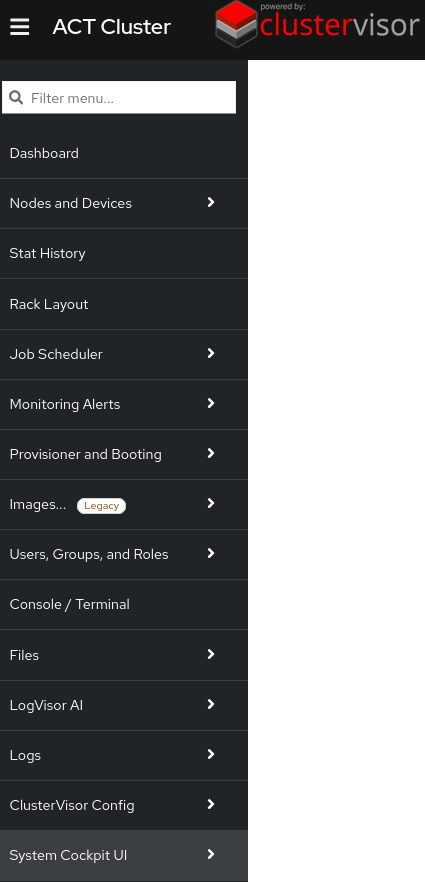
In the menu, select “Provisioner and Booting”
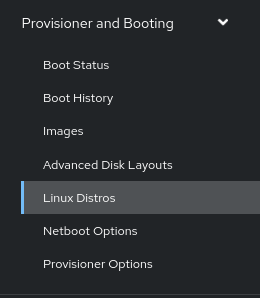
Then select Linux Distros
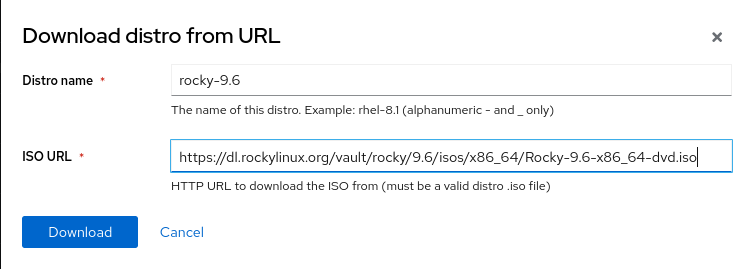
Select “Download distro from URL” to specify a URL. In some environments, internet access is not available - use “Upload distro via SFTP”. Both methods are shown below - only use one.
OR
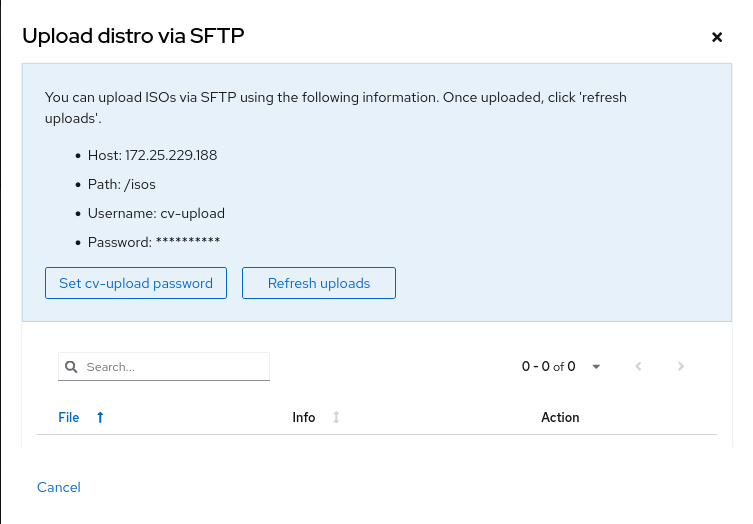
Select “Set cv-upload password” to generate a random password. Use your preferred SFTP client to connect and upload a DVD ISO file.
